 4.9
4.9 Join Our Mobile App Development Course in Amritsar and Launch Your First App
Studying from outside Amritsar? See how our live online classes work →
Learn to build mobile apps from scratch with React Native, Expo and Firebase. Create apps that run on Android and iPhone from one codebase, connect them to real data, and prepare your first app for release. Basic computer knowledge is enough to start — you do not need to know coding already.

5672
Students Trained
8+
Years of Experience
4.9★
Google Rating
50+
Workshops Conducted
Is This Course Right for You?
Students, graduates, job seekers, working professionals and business owners can join. No coding background is needed.
Who moves fastest:
- Beginners — JavaScript is taught from the first class
- Students and graduates — add a skill companies hire for
- Business owners — understand how apps are built before you plan one
- Web developers — if you know HTML and CSS, or have done our MERN stack course, React Native will feel familiar
You only need basic computer knowledge. Lab computers and test phones are provided.
Already building websites or designs?
Web developers can move from websites to apps; designers who have done our UI/UX Design course can turn their designs into working apps.
Explore MERN StackAlso see our Frontend Development and UI/UX Design courses.
Learning Roadmap
Three stages: learn the foundations, add real app features, then prepare your app for release and finish a capstone project.
- 1 JavaScript Basics
- 2 React Native & Expo
- 3 Navigation, Forms & State
- 4 Working with APIs
- 5 Saving Data on the Phone
- 6 Firebase
- 7 Camera, Location & Maps
- 8 Release Build
- 9 Capstone Project
- 1 JavaScript Basics
- 2 React Native & Expo
- 3 Navigation, Forms & State
- 4 Working with APIs
- 5 Saving Data on the Phone
- 6 Firebase
- 7 Camera, Location & Maps
- 8 Release Build
- 9 Capstone Project
What Will You Learn in This Mobile App Course?
You learn JavaScript and React Native, then add data, login, storage and device features, and finish with a release build and a capstone project. 8 modules in 3 stages.
Variables, functions, loops, arrays and objects, ES6 features, and how apps wait for data with promises and async/await. Taught from zero, with mobile examples.
Set up Expo, then build screens with components, layouts, colours, fonts and images. Test your first app on a real phone.
Move between screens, collect user input, and keep the app's data in sync as it changes.
Fetch live data from the internet and show it in your app, such as weather or product lists.
Store settings and records on the device so users do not start from scratch each time they open the app.
User sign-up and login, a cloud database, and push notifications.
Use the camera, find the user's location and show maps inside your app.
Prepare the app, build a release version, learn the Google Play submission steps, and complete a full app that goes into your portfolio.
React Native, Firebase and More: The Tools You Will Master
The standard tools for building React Native apps with Expo.
JavaScript & React Native
Build the app's screens and logic once, for Android and iPhone.
Expo
Set up quickly and test on a real phone with Expo Go, without needing a Mac.
Firebase
Login, a cloud database and push notifications.
REST APIs
Bring live data from the internet into your app.
VS Code
The editor you write and run your code in.
Git & GitHub
Save and share your work as a portfolio.

Build five real apps of growing size, ending with a full app of your own choice — portfolio pieces you can show employers.
Notes or To-Do App
Screens, forms and saving data on the phone.
Weather App
Live data from an API shown in a clean mobile layout.
Shopping App
Product list and cart, built with layouts and state.
Chat or Social Feed App
Firebase login and a cloud database.
Capstone: App of Your Choice
A complete app such as a booking, delivery or learning app, built for your portfolio.

Build real apps — from React Native screens to Firebase and a release build.
Course Duration & What Makes Us Different
| Details | Information |
|---|---|
| Duration | 5–6 Months |
| Classes | 5 Days/Week |
| Session Length | 1.5–2 Hours |
| Apps You Build | 5 Apps |
| Capstone | 1 Full App of Your Choice |
Test on Real Phones
Run your apps on a real Android or iPhone with Expo Go from the first class. Lab computers and test phones are provided.
Git & GitHub
Version control, collaboration workflows, and portfolio repos built into the training.
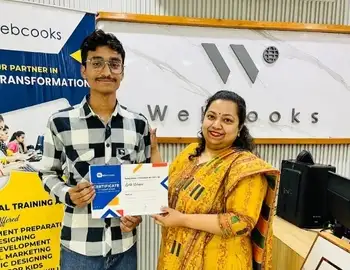
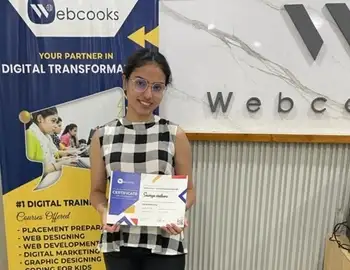
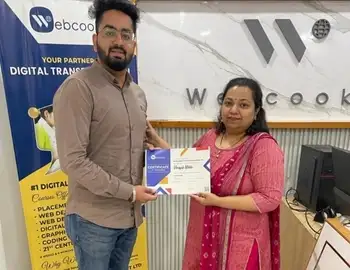
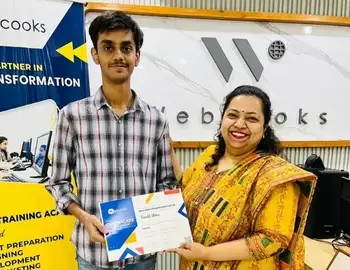
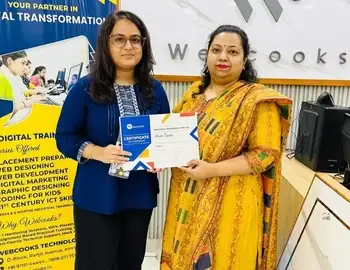
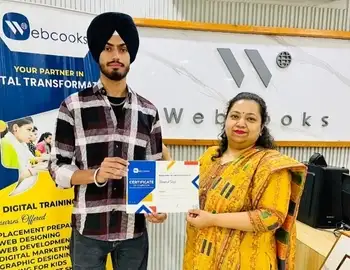

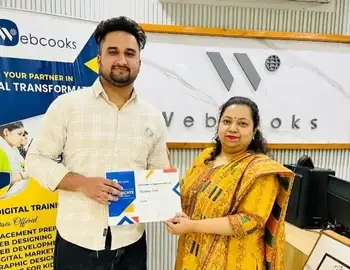

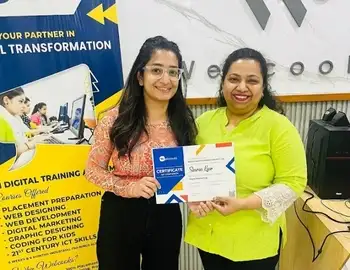
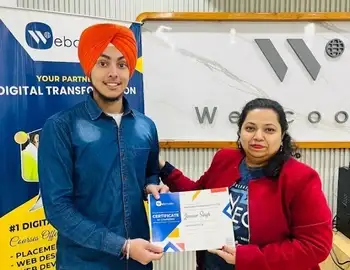
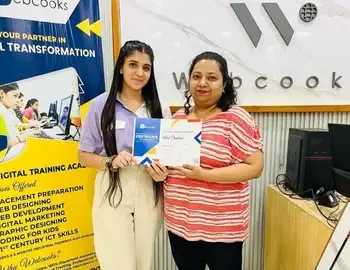





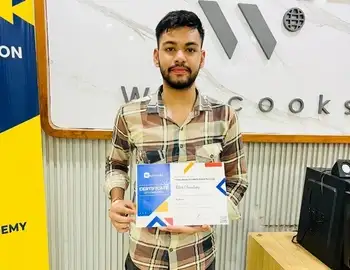
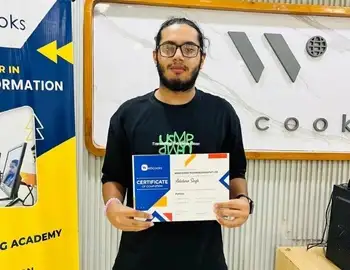
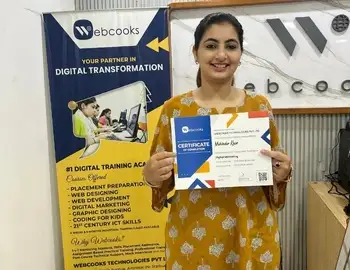
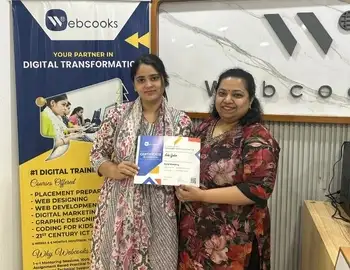


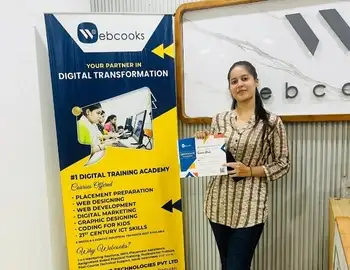

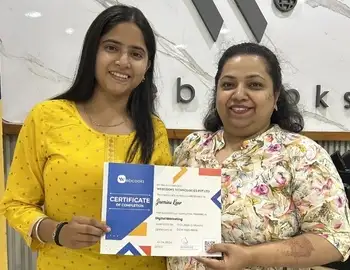




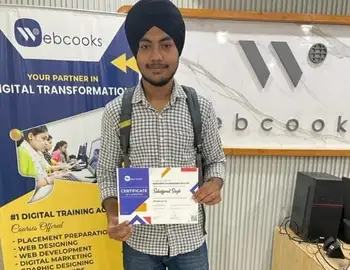
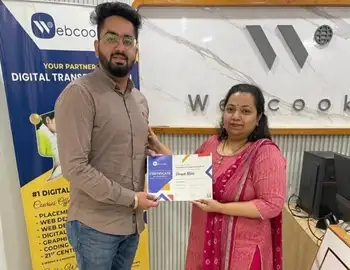

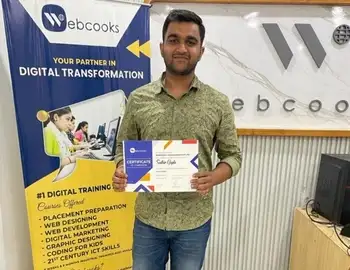
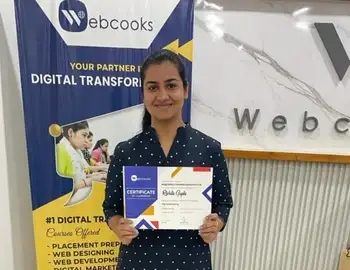
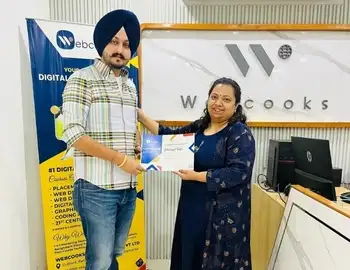
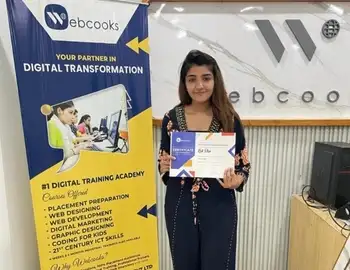

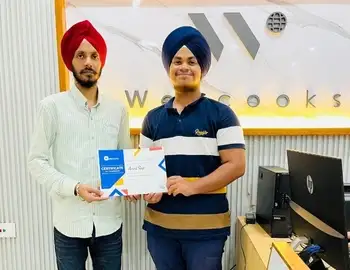
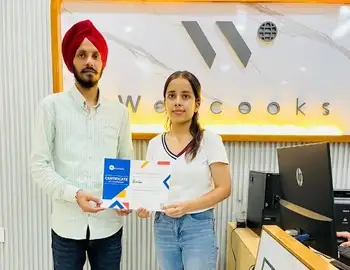
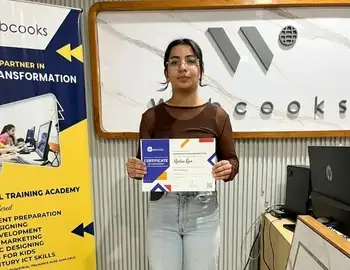

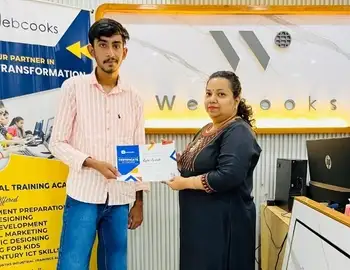




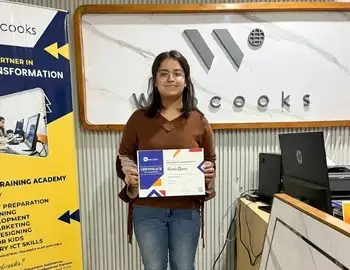


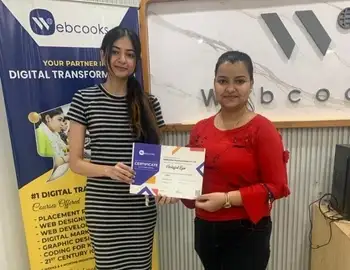

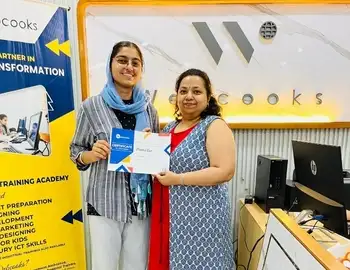
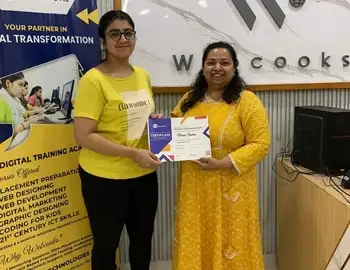
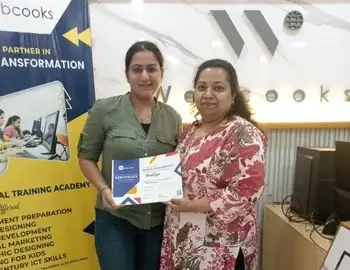
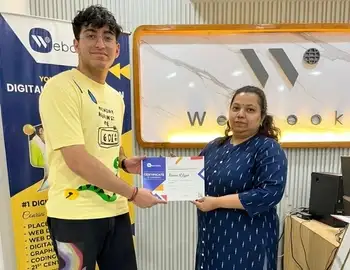
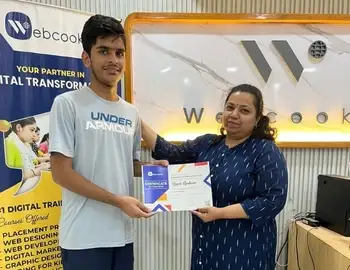
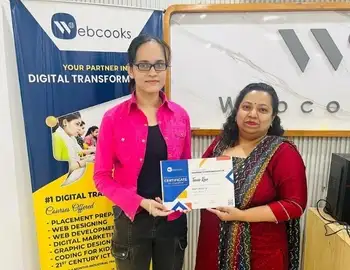
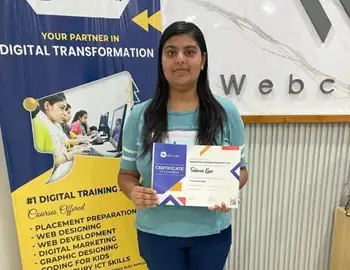

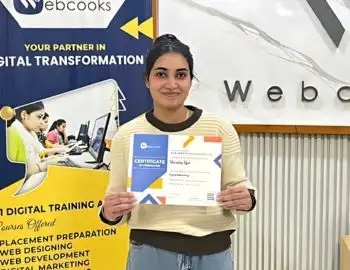
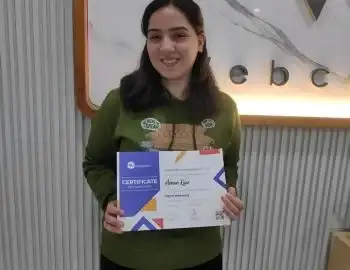
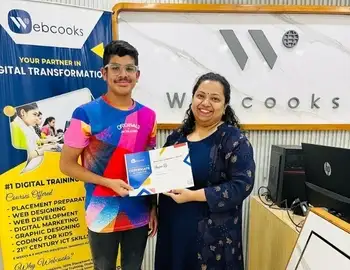
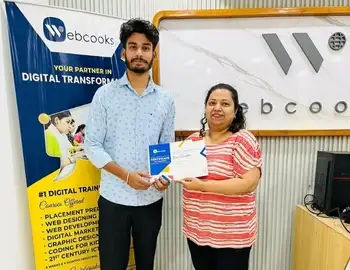
Course Completion Certificate
Receive a certificate after successfully completing the training and projects. It demonstrates your practical skills in:
- JavaScript
- React Native & Expo
- Firebase
- REST APIs
- Mobile App Development
Career Opportunities
The course prepares you for entry-level roles such as these. A finished project portfolio helps you show what you can build.
- React Native Developer
- Junior Mobile App Developer
- App Developer Intern
- Freelance App Developer
Not sure if the course is right for you?
Join our free demo session and experience our teaching style before enrolling. Meet the instructor, understand the roadmap, ask questions live, and see how we teach mobile app development, one screen at a time.
Book Free Demo