 4.9
Master Meta Ads Course
in Amritsar - Turn Clicks
into Conversions
Studying from outside Amritsar? See how our live online classes work →

5672
Students Trained
8+
Years of Experience
4.9★
Google Rating
50+
Workshops Conducted
Advanced Meta Ads Curriculum: Master Performance Marketing
What Can You Learn in the Meta Ads Crash Course in Amritsar? (15/20/30 Days)
The Meta Ads crash course in Amritsar teaches you to run Facebook and Instagram ad campaigns that convert, in 15/20/30 days, with hands-on Ads Manager practice.
15 Days — Meta Ads Essentials
Meta Ads Manager, campaign objectives, audience targeting, and ad creatives.
20 Days — Pixel & Retargeting
Everything in 15 days, plus Meta Pixel setup, custom and lookalike audiences, retargeting, and budgeting.
30 Days — Complete Fast-Track
Everything above, plus A/B testing, campaign scaling, analytics and reporting, and a full campaign case study.
Best for:Marketers, business owners, freelancers, and anyone who wants to run Facebook and Instagram ads.
Ad Arena
Run Meta and Google ads for 20 Indian clients: Advantage+, Search keywords, PMax signals, offers, GST and lead follow-up. Then handle live situations and see if the client keeps you.
- 1 Read the brief Budget, target and what the client has
- 2 Build the media plan Platforms, audiences, bidding, follow-up
- 3 Handle live situations 1 to 3 surprises, 35 seconds each
Ad Creative Specs
Sizes, safe zones and text rules for the creative you upload to Meta Ads Manager. Feed placements are forgiving; Stories and Reels are where creative gets clipped.
Specs last checked 10 Oct 2026
Sizes and placements
Ratios at a glance
| Ratio | Export size | Where Meta uses it |
|---|---|---|
| 1.91:1 | 1200×628 | Feed link and single-image ads, right column, collection cover |
| 1:1 | 1080×1080 | Feed, carousel cards, Marketplace |
| 4:5 | 1080×1350 | Feed image and video; takes the most mobile screen |
| 9:16 | 1080×1920 Also takes 1440×2560 | Stories and Reels |
| 16:9 | 1920×1080 | In-stream video |
Export each ratio as its own file rather than trusting auto-crops. Meta allows images up to 30 MB.
Image and video by placement
| Placement | Ratio | Recommended size | Notes |
|---|---|---|---|
| Feed image | 4:5 or 1:1 | 1080×1350 1080×1080 | Supported range runs from 1.91:1 to 4:5. Minimum width 600 px. JPG or PNG, up to 30 MB. Ratio tolerance about 3%. |
| Feed video | 4:5 or 1:1 | 1080×1350 1080×1080 | MP4 or MOV, up to 4 GB. 4:5 fills more of the phone screen than square. |
| Carousel | 1:1 | 1080×1080 | Every card must share one ratio. 4:5 also works. Typically 2 to 10 cards. |
| Stories | 9:16 | 1080×1920 1440×2560 preferred | Minimum width 500 px. Ratio tolerance is tight on Instagram (about 1%), so export at exactly 9:16. |
| Reels | 9:16 | 1080×1920 1440×2560 preferred | Same frame as Stories but with the heaviest on-screen interface. Design to the safe zone. |
| Marketplace | 1:1 | 1080×1080+ | Square at 1080×1080 or larger. |
| Collection / Instant Experience cover | 1:1 or 1.91:1 | 1080×1080 1200×628 | Video covers run 16:9. |
| In-stream video (Facebook) | 16:9 | 1920×1080 | Plays inside other creators' videos. |
| Right column (desktop) | 1.91:1 | 1200×628 | Desktop Facebook only. |
Treat 1080 px on the shortest side as the floor, upload larger when you can, and never upscale a small file. When in doubt, 4:5 is the safest feed default and 9:16 the only sensible vertical.
Copy fields that sit beside the graphic
| Field | Visible length | What to know |
|---|---|---|
| Primary text, Feed | about 125 characters | Longer text is cut with "See more". Put the main message first. |
| Headline, Feed | about 40 characters | Some Facebook link placements cut closer to 27 characters. |
| Description | 25 to 30 characters | Not shown in every placement. |
| Primary text, Reels | about 40 to 44 characters | Instagram Reels allows slightly more than Facebook Reels. Facebook Reels headline allows about 55. |
Guide snapshots differ by a few characters between sources and by placement, so use these as design targets and check the live preview.
Safe zones for Stories and Reels
- Top margin (14%)
- 269 px
- Bottom margin (35%)
- 672 px
- Side margins (6% each)
- 65 px
- Usable safe area
- 950 × 979 px
- Profile name, the Ad label, caption, audio line and the call-to-action button sit on top of your creative. Keep text, logos and the key subject out of the shaded areas.
- Meta now publishes one 9:16 safe zone that covers Stories, Reels and 9:16 Feed, so you no longer need separate templates. Older guidance used about 250 px top and 340 px bottom for Stories on a 1080×1920 canvas; the 14 / 35 / 6 zone is stricter, so designing to it is safe for everything.
- In the Ads Manager ad preview, turn on the Safe Zone Guardrail toggle to see the boundary over your actual creative before you publish.
- Feed placements have the least interface overlap. A margin of about 10% on every side is a sensible habit for text and logos, though Meta publishes no fixed figure for it.
Text on the image and captions
Text on the image
Meta dropped its hard 20% text limit in 2020 and retired the text overlay checker, so heavy-text images are no longer rejected or penalised in delivery. Meta still says images with under 20% text perform better, so treat 20% as a target.
Working rule, not a Meta rule: one headline or offer on the image, and the detail in the primary text field.
Captions on video
Most feed video is watched on mute, so add captions or burned-in key words. On 9:16 video, place them above the bottom 35% and below the top 14%.
Drawn buttons
Meta adds its own call-to-action button to the ad, so a button drawn into the creative reads as a second, dead button. Skip it.
Pre-flight checklist
0 of 9 done
Meta does not let automated tools read its Ads Guide, so these figures were cross-checked across several current spec guides that cite it. Treat them as design targets and confirm anything critical in the Ads Manager upload preview and Meta's Ads Guide.
Sources
Want to build ads like these hands-on, with a trainer reviewing your work?
Book a free demoRun Google Ads campaigns too? See the Google Ads course

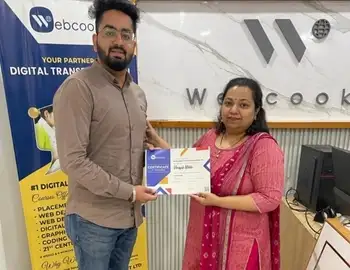






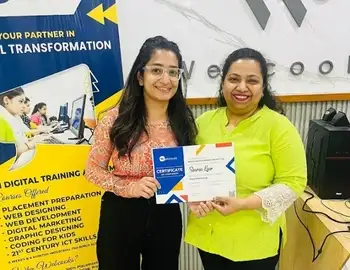
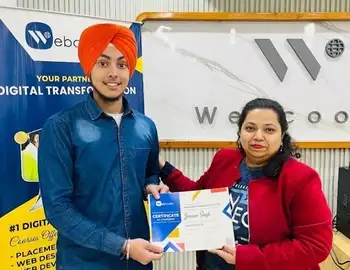






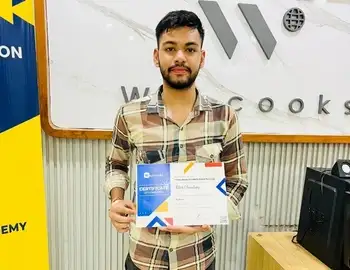
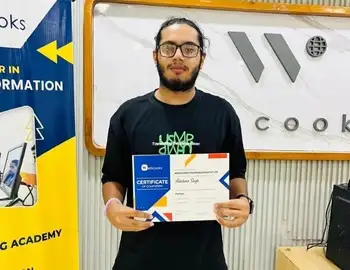
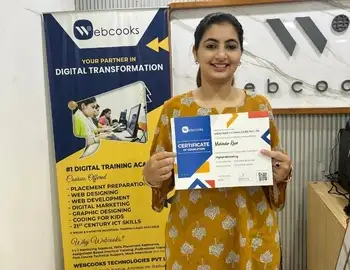
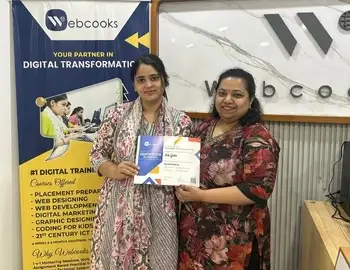







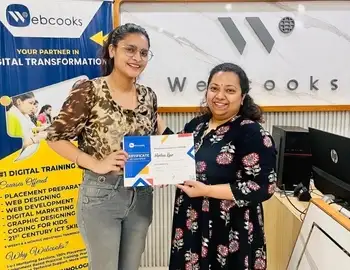



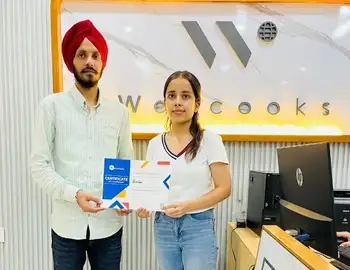
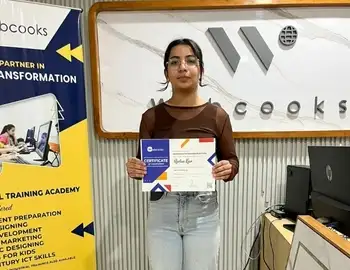
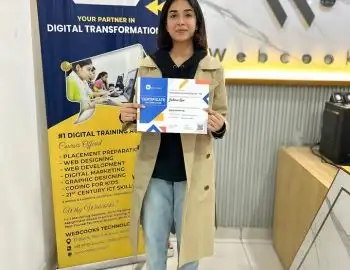


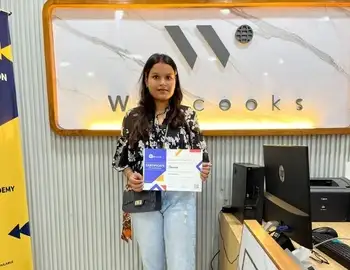


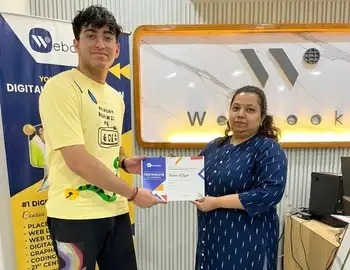
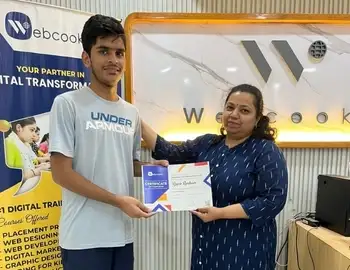

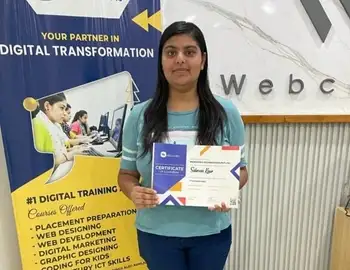
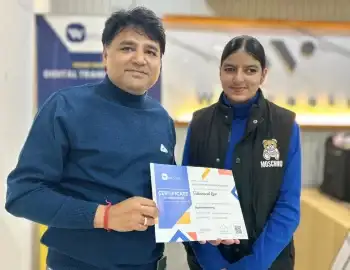

Real Skills Real Reviews
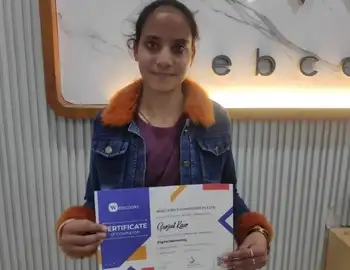
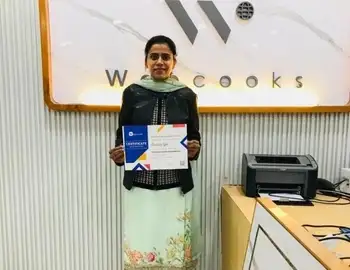
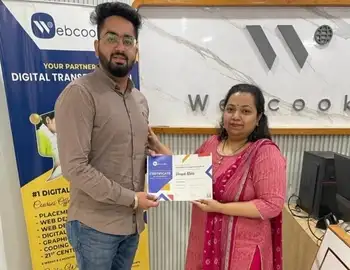
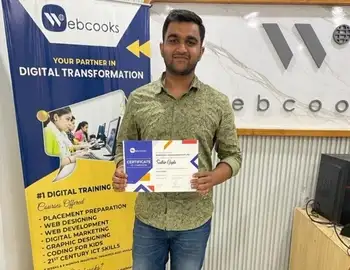
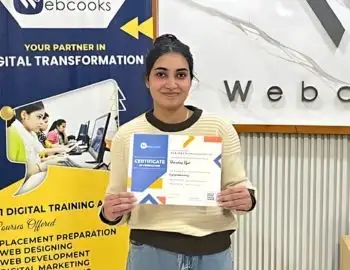
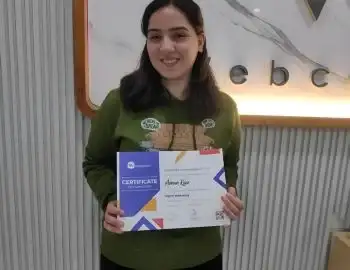
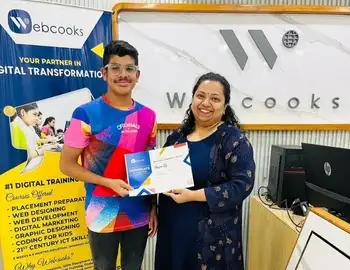
Don't just take our word for it. Hear directly from our graduates about how our hands-on modules, live project training, and expert mentorship helped them build real skills and launch successful careers.
What Does This Meta Ads Course Cover?
Master key advertising domains from pixel setup and targeting to creative strategy and ROAS optimization.
Master end-to-end campaign creation, from selecting objectives to managing ad sets, so you can confidently run effective ad campaigns across Meta platforms.
Gain expertise in demographics, behaviors, interests, and lookalike audiences to reach the right customers and maximize campaign performance
Learn how to design compelling visuals, videos, and ad copy that connect emotionally with audiences and drive higher engagement.
Understand smart budgeting techniques, bidding strategies, and performance tracking to reduce costs while boosting returns.
Use Meta Ads Manager and Business Suite tools to track KPIs like CTR, CPA, and conversions, and make data-driven improvements.
Leverage machine learning for automated bidding, targeting, and personalization to stay competitive with next-gen ad strategies
Build expertise in product catalogs, dynamic ads, and retargeting strategies that help e-commerce businesses scale quickly.
Work on live projects and case studies to apply theoretical knowledge, build practical skills, and create a portfolio that employers value.
Who Should Enroll?

Students & Job Seekers wanting to enter digital marketing careers.
Entrepreneurs & Startups aiming to promote their businesses affordably.
Freelancers & Agencies looking to add Meta Ads to their service offerings.
Marketing Professionals upgrading their skills with AI-powered advertising.
Why Choose Our Meta Ads Course?
Learn how to build high-converting campaigns, target the right audience segments, and optimize your ad spend with hands-on practice on real business accounts.

ISO Certified Training – Recognized quality and credibility.
Hands-On Learning – Work on real ad campaigns.
Expert Mentorship – Learn from industry professionals.
Career-Focused – Skills aligned with new-age digital marketing trends.
Future-Ready – Training includes AI, automation, and privacy-first advertising.
FAQ's
Take the next step toward mastering
digital advertising.
Enroll in Webcooks’ Meta Ads Course today and gain the skills to run powerful ad campaigns that deliver real results.