 4.9
4.9 Google Ads Course in Amritsar-Get Discovered Where It Matters Most
Studying from outside Amritsar? See how our live online classes work →
5672
Students Trained
8+
Years of Experience
4.9★
Google Rating
50+
Workshops Conducted
Advanced Google Ads Curriculum: Search Engine Marketing (SEM)
Understanding the Google Ads ecosystem, account structure, and setting up your professional account.
Deep dive into Search, Display, Video, and App campaigns and choosing the right format for your goals.
Mastering keyword match types, negative keywords, and audience targeting strategies.
Crafting compelling ad copies and using high-impact visuals for better click-through rates.
Setting up campaigns from scratch, managing daily budgets, and understanding bidding options.
Implementing tracking tags and using Google Analytics to measure campaign success.
Setting up Shopping Ads and dynamic remarketing to drive sales for online stores.
Leveraging Google's AI tools for automated bidding and performance max campaigns.
Working on a real-time project to apply all the learned concepts in a live scenario.
Interpreting reports and using A/B testing to continuously improve ROI.
What Can You Learn in the Google Ads Crash Course in Amritsar? (15/20/30 Days)
The Google Ads crash course in Amritsar teaches you to set up, run, and optimize Google campaigns in weeks. Choose 15/20/30 days depending on how deep you want to go.
15 Days — Google Ads Essentials
How Google Ads works, keyword research, Search campaign setup, and ad copywriting.
20 Days — Essentials + Optimization
Everything in 15 days, plus bidding strategies, budget management, conversion tracking, and Google Analytics basics.
30 Days — Complete Fast-Track
Everything above, plus Display, YouTube, and Performance Max campaigns, remarketing, reporting, and a complete campaign case study.
Best for:Marketers, business owners running their own ads, freelancers, and job seekers.
Book a Free Demo ClassAd Arena
Run Meta and Google ads for 20 Indian clients: Advantage+, Search keywords, PMax signals, offers, GST and lead follow-up. Then handle live situations and see if the client keeps you.
- 1 Read the brief Budget, target and what the client has
- 2 Build the media plan Platforms, audiences, bidding, follow-up
- 3 Handle live situations 1 to 3 surprises, 35 seconds each
Ad Creative Specs
Sizes, text limits and image-quality rules for the assets you upload to Google Ads. Google builds ads from separate assets and recombines them in many layouts, so each image must work alone.
Specs last checked 10 Oct 2026
Image and video assets
Ratios at a glance
| Ratio | Export size | Where Google uses it |
|---|---|---|
| 1.91:1 | 1200×628 | Landscape image in Display, Performance Max and Demand Gen (minimum 600×314) |
| 1:1 | 1200×1200 | Required square image and square logo (minimum 300×300 image) |
| 4:5 | 960×1200 | Vertical image in Performance Max and Demand Gen (minimum 480×600) |
| 9:16 | 1080×1920 | Vertical video; the older Display best-practice page also lists a 900×1600 image |
| 16:9 | 1920×1080 | Horizontal video in every campaign type; YouTube thumbnail at 1280×720 |
JPG or PNG, 5120 KB (5 MB) maximum per image. Google calls 1200×628 and 1200×1200 the most common sizes; using them lets assets serve across most of its network.
Assets by campaign type
| Asset | Responsive display | Performance Max | Demand Gen |
|---|---|---|---|
| Landscape 1.91:1 | 1200×628 min 600×314 1 to 15 images, required | 1200×628 min 600×314 4+, up to 20, required | 1200×628 min 600×314 1 to 20, 3 suggested, required |
| Square 1:1 | 600×600 min 300×300 1 to 15 images, required | 1200×1200 min 300×300 4+, up to 20, required | 1200×1200 min 300×300 1 to 20, 3 suggested, required |
| Vertical image | Not on the current Display spec page. The older best-practices page lists 9:16 at 900×1600 (min 600×1067). | 4:5, 960×1200 min 480×600 2+, up to 20, optional | 4:5, 960×1200 min 480×600 1 to 20, optional |
| Square logo 1:1 | 1200×1200 min 128×128 up to 5, optional | 1200×1200 min 128×128 up to 5, required | 1200×1200 min 144×144 up to 5, required |
| Wide logo 4:1 | 1200×300 min 512×128, optional | 1200×300 min 512×128, optional | Not listed |
| Video | 16:9, 1:1, 2:3 1 to 5 videos, any length, 30 s preferred | 16:9, 1:1, 9:16 10 s or longer, up to 15. Google auto-generates video if you add none. | 16:9, 1:1, 9:16 or 4:5 10 to 60 s, 3 videos |
Upload all three shapes (horizontal, square, vertical) plus video to raise Ad Strength and eligibility. A transparent logo may be placed on a white background, so use a square logo and avoid a mostly white logo on transparent.
Video campaigns on YouTube
| Item | Ratio | Size | Length or limit |
|---|---|---|---|
| In-stream, in-feed | 16:9, 9:16, 1:1 | 1920×1080, 1080×1920, 1080×1080 | 15 s recommended |
| Video action | 16:9, 9:16, 1:1 | Same as above | 10 s or longer |
| Bumper and Shorts (reach) | 16:9, 9:16, 1:1 | Same as above | Bumper 6 s; vertical and square 6 to 60 s |
| Masthead | 16:9 | 1920×1080 | Any length |
| Thumbnail | 16:9 | 1280×720 min 1280×640 | JPG, GIF or PNG, under 2 MB |
| Companion banner | 5:1 | 300×60 | JPG, GIF or PNG, under 150 KB; desktop only |
Video files must be under 256 GB. MPEG-2 or MPEG-4 is recommended; MP4, MOV, WebM, AVI and others are also accepted. Audio-only files are not. In-feed video headlines run two lines of 40 characters and descriptions two lines of 35.
Text asset limits
| Asset | Responsive display | Performance Max | Demand Gen | Video action |
|---|---|---|---|---|
| Headline | 30 · 1 to 5 | 30 · 3 to 15 one at 15 or fewer | 40 · 1 to 5 one at 30 or fewer | 30 |
| Long headline | 90 · 1 | 90 · 1 to 5 | Not used | 90 |
| Description | 90 · 1 to 5 | 90 · 2 to 5 | 90 · 1 to 5 | 90 |
| Business name | 25 | 25 | 25 | Not listed |
| Call to action | Automated | Automated or pick from list | Automated | 10 |
| Display URL path | Not used | 15 each · up to 2 | Not used | Not used |
Each cell reads maximum characters · number of assets. In Korean, Japanese and Chinese each character counts as 2. The older Display best-practices page says 80 characters for descriptions while the current spec page says 90, so write to 80 if you want to be safe on both.
Text on images and image quality
Text on the image
Google asks you to avoid overlaid text and overlaid logos in responsive formats. Assets are recombined, so overlaid words can repeat your headline and become unreadable at small sizes. Text that is part of the photo, such as a shop sign, is fine.
Google also says blank space should not exceed 80% of the image, and the product or service should be the focus.
Captions on video
Most feed video is watched on mute, so add captions or burned-in key words. For Google's auto-generated videos, do not put logos or text on the borders of images and avoid using many near-identical images.
Do and don't
Do
- Use sharp, in-focus, full-colour photos with their natural lines
- Use one clean composition of the subject
- Keep edges square and borders transparent so the image bleeds to the full frame
- Shoot products in real settings with natural shadows and light
- Upload cropped, high-quality logos at supported ratios
- Write headlines in sentence case with a price, offer or promo where you have one
- Make three or four ads per ad group with different messages and images
Don't
- Use blurry, skewed, upside-down, colour-inverted or heavily filtered images
- Add borders, rounded corners or mirrored duplicates
- Overlay logos, text or other graphics on the image
- Draw buttons such as play, download or close; they promise functions that do not exist and break policy
- Use collages, or products on digital composite or all-white backgrounds
- Use logos with extra flair, odd ratios or colourful backgrounds
- Write in all caps or use click-bait
Pre-flight checklist
0 of 11 done
Figures are read from Google Ads Help. As of the date above, responsive display campaigns are moving into Demand Gen: from June 2026 eligible advertisers can migrate, and later new campaigns can only be created in Demand Gen.
Sources
Want to build ads like these hands-on, with a trainer reviewing your work?
Book a free demoRun Meta ads for Facebook and Instagram too? See the Meta Ads course
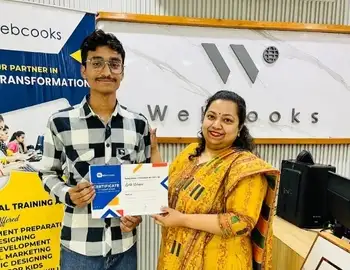
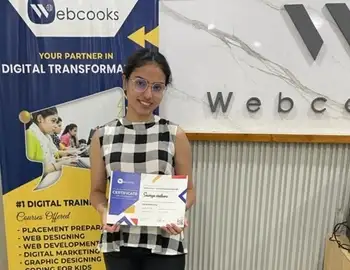
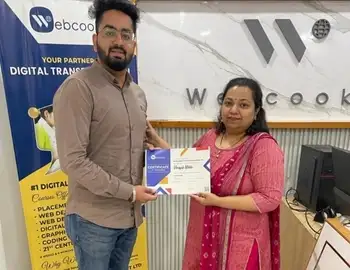
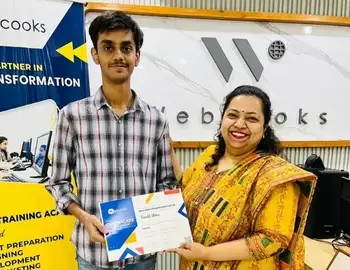
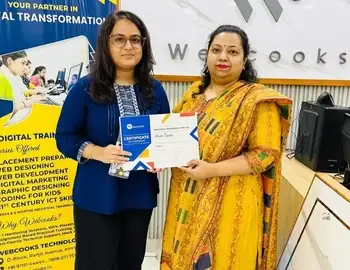
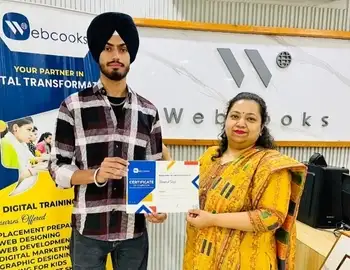
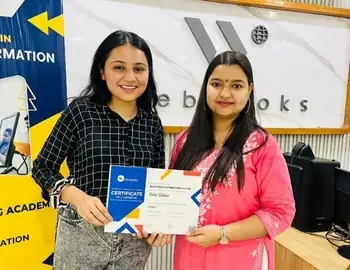
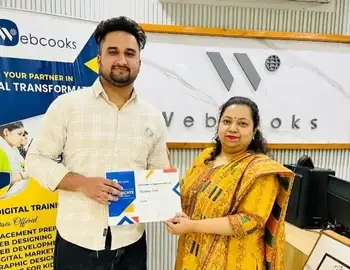
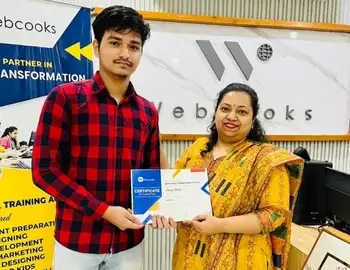
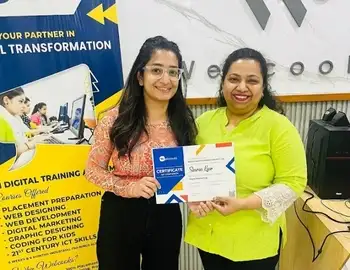
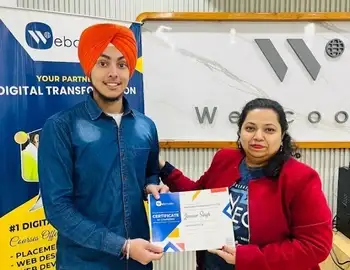
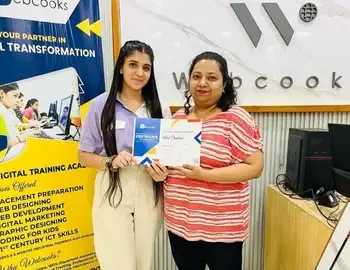
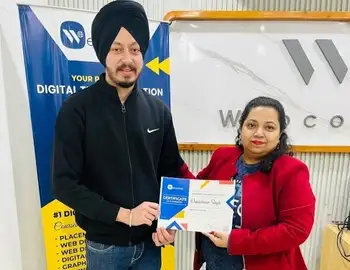

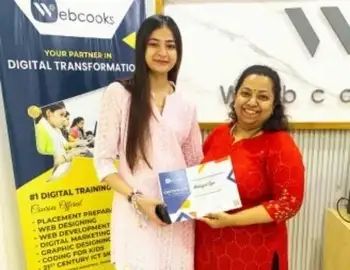


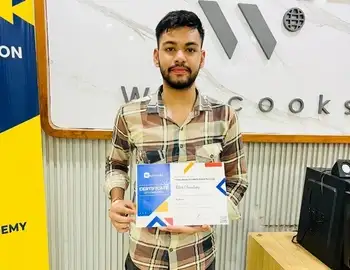
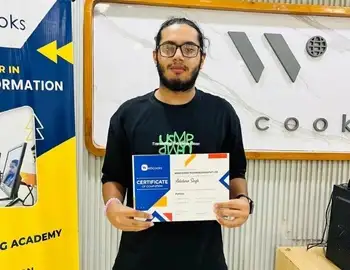
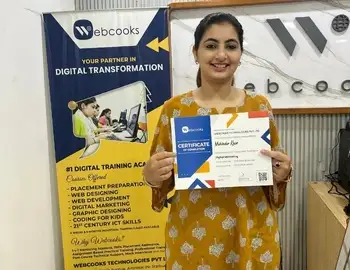
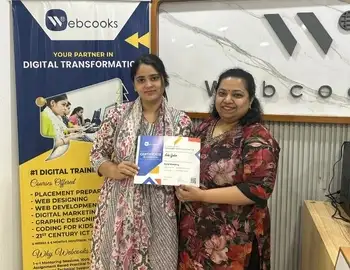
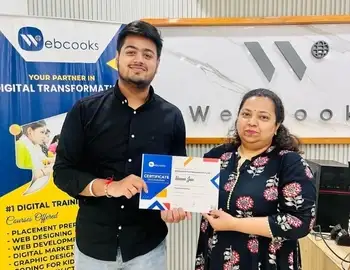
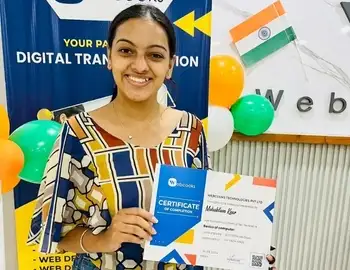
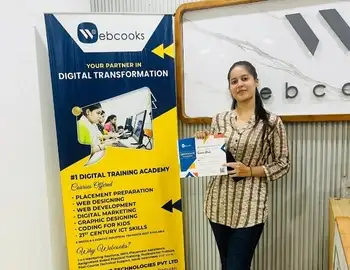
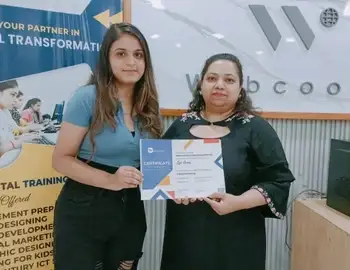
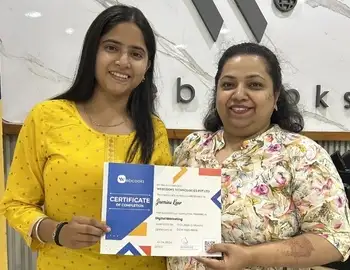

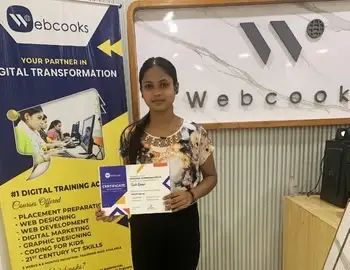
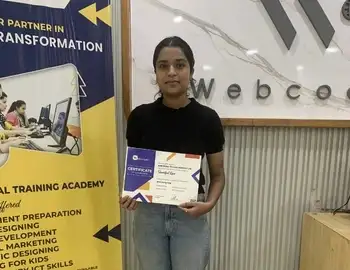
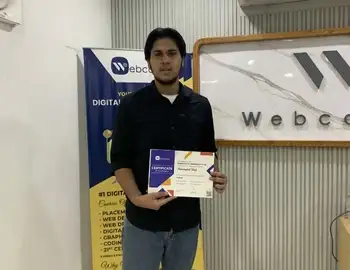
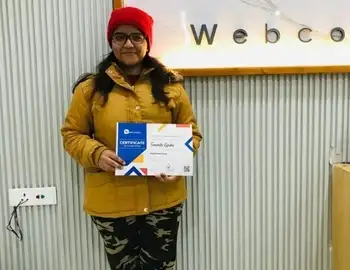
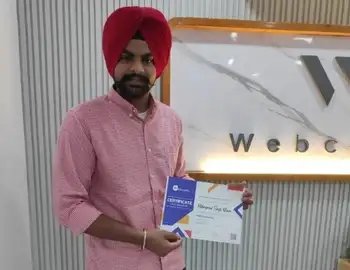
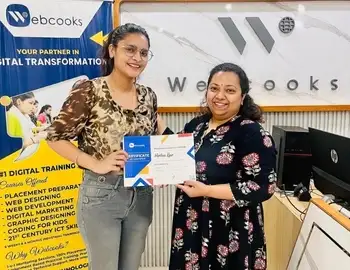
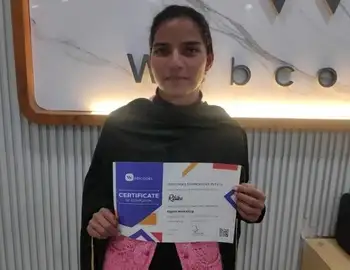
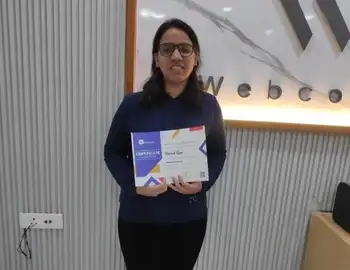
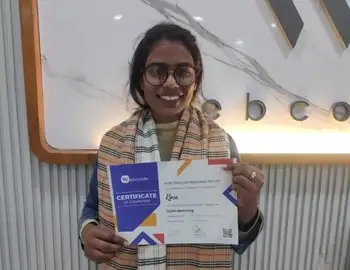
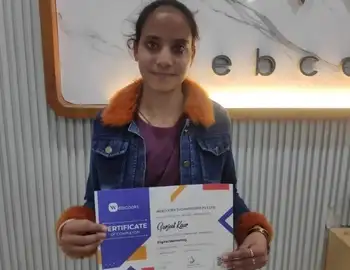
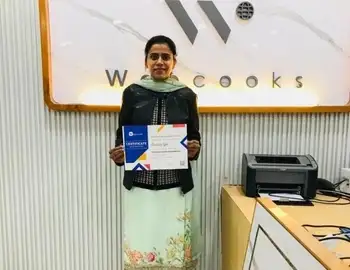

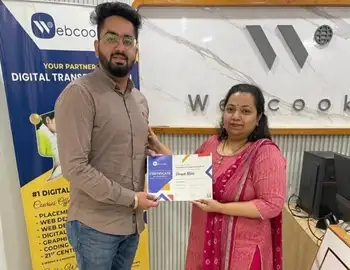
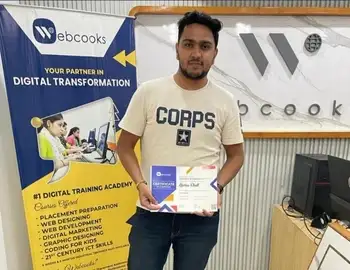
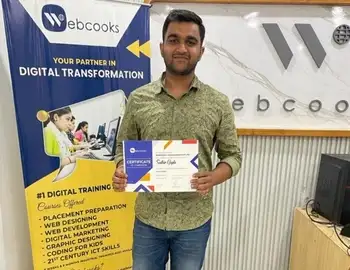
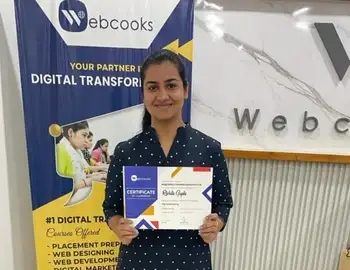
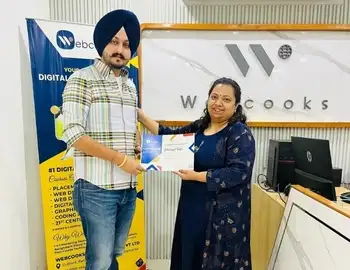
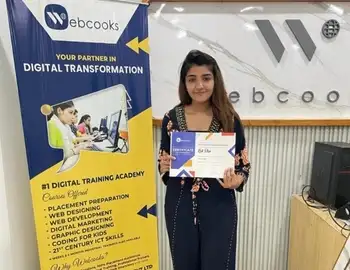
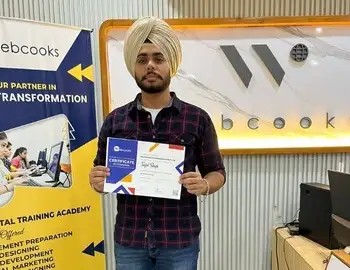
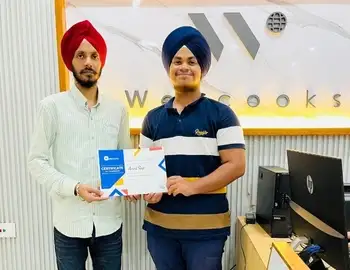
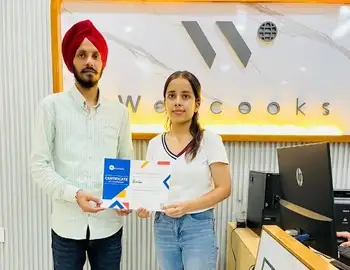
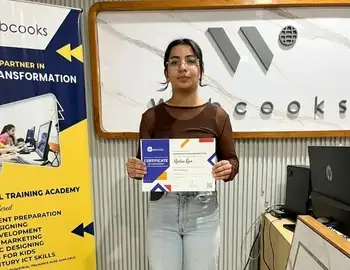
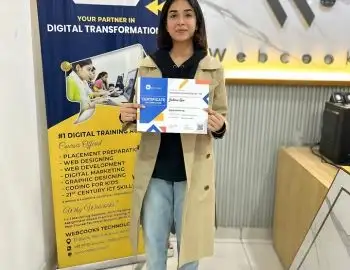
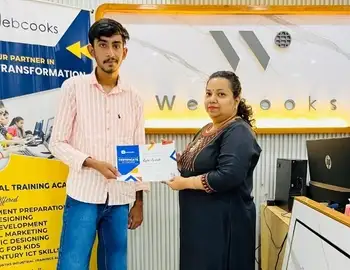
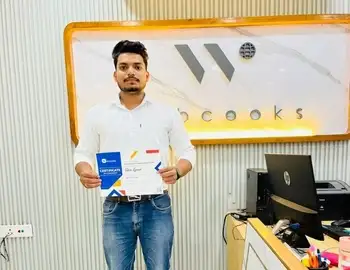
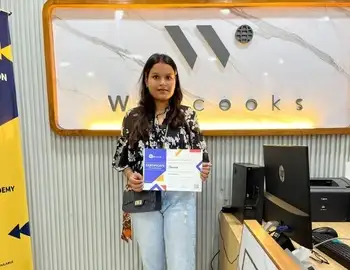
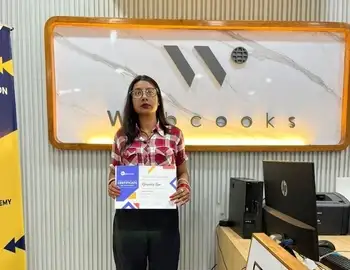
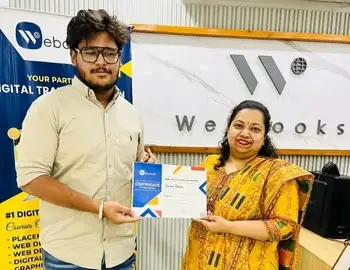
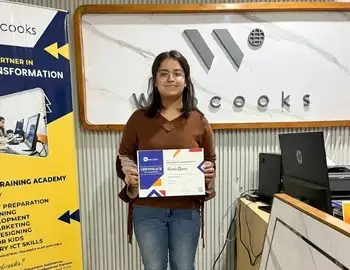
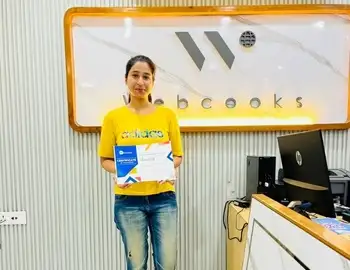
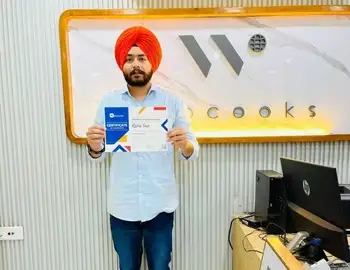
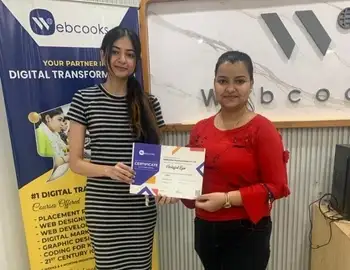
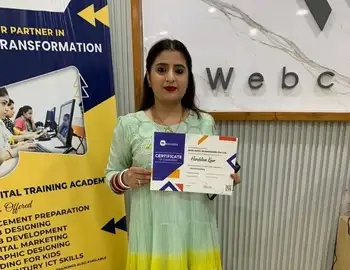
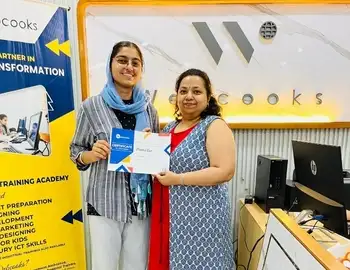
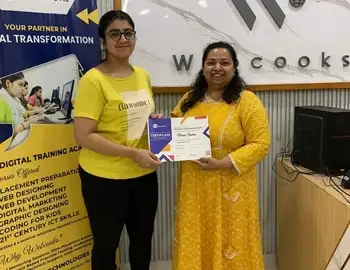
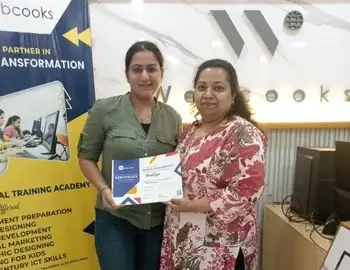
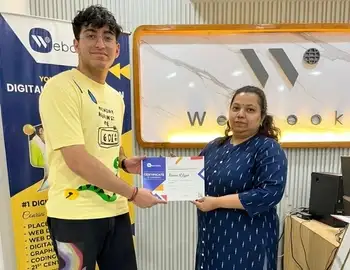
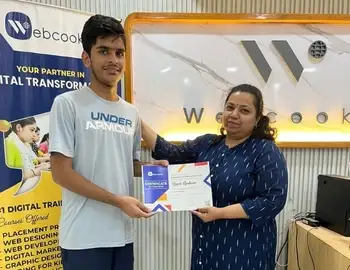
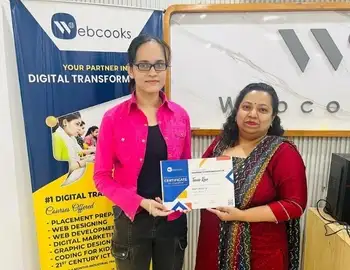
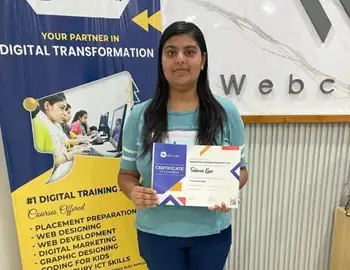
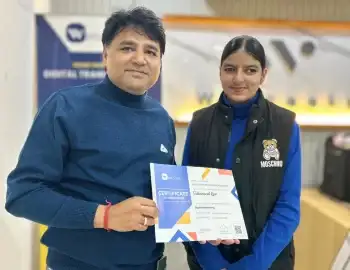
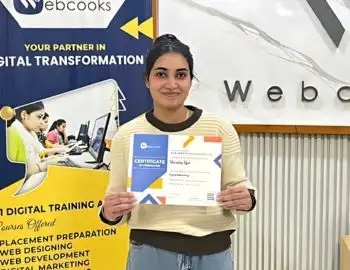
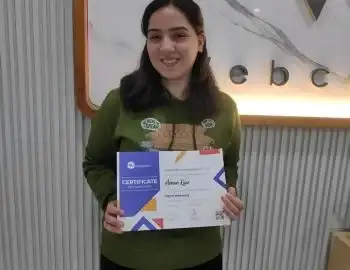
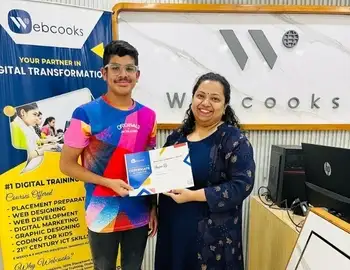
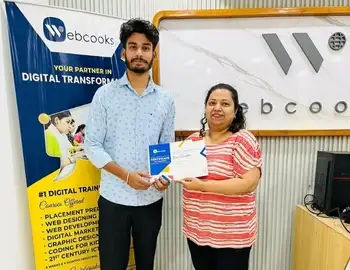
Real Skills Real Reviews
Don't just take our word for it. Hear directly from our graduates about how our hands-on modules, live project training, and expert mentorship helped them build real skills and launch successful careers.
For Google Ads?
-
ISO Certified 9001:2015 Training Institute
-
Hands-On Learning with real campaign experience
-
Expert Mentorship from certified Google Ads professionals
-
Career-Focused aligned with current market trends
-
Certificate of Completion + Portfolio Projects
Who Should Enroll?
Whether you are a business owner looking to drive sales, a marketing professional upgrading your skills, or a freelancer seeking high-paying clients, this course is for you.
Students & Job Seekers aspiring to enter the digital marketing industry.
Entrepreneurs & Small Business Owners aiming to promote products or services online.
Freelancers & Agencies expanding their service offerings with PPC management.
Marketing Professionals upgrading to data-driven, AI-enhanced advertising skills.
How Do You Run High-Performance Google Ads Campaigns?
Learn keyword research, campaign structure, smart bidding, and conversion tracking to build high-converting search and display campaigns.
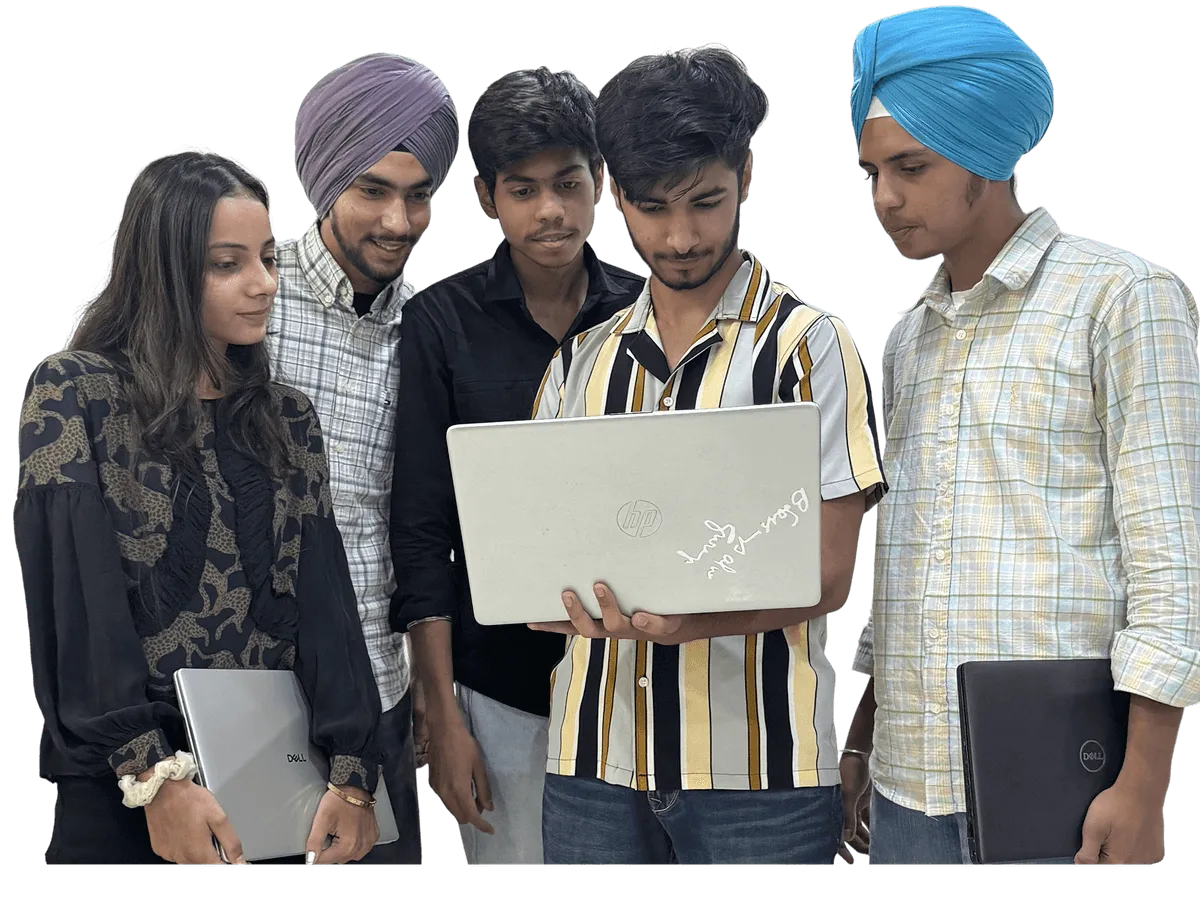
Acquire the skills to effectively plan, build, and run complete Google Ads campaigns for Search, Display, and YouTube to reach important marketing objectives, with measurable outcomes.
Acquire an understanding of how to identify high-value keywords, analyze user intent, and target the best audience to increase ad visibility and relevance.
Acquire proficiency in writing engaging ad copies, selecting appealing CTAs, and creating engaging images that get noticed and lead to increased engagement.
Develop the ability to analyze campaign metrics, optimize performance, and make informed decisions that boost ROI and lower ad costs.
Master budget allocation and automated bidding strategies like Target CPA and ROAS to get the most out of your ad spend.
Use Google’s AI-driven tools such as Performance Max and responsive ads to automate targeting, bidding, and creative optimization efficiently.
Learn how to effectively set up Shopping and remarketing campaigns focused on selling your products or generating leads for your service-based business.
Earn a Webcooks Google Ads Certification that validates your skills and boosts your credibility as a certified performance marketer.
Join the best Google Ads course in Amritsar
Have no knowledge about PPC and search advertising? Are you a fresher who wants to build a career running paid campaigns? Don't worry, our industry experts will help you become a trained Google Ads specialist.